
Table of Contents
Finding the Best Player for Your Television
Choosing the best iptv apps for smart tv makes the difference between frustrating video lag and a seamless, cable-grade 4K viewing experience. Even with a high-speed subscription from TiviMate HD, pairing it with the wrong player application can lead to sluggish menu navigation, audio sync issues, and slow channel zapping.
Because Smart TVs run different operating systems – such as Samsung Tizen, LG webOS, Google TV, and Apple tvOS – the best iptv apps for smart tv vary depending on the screen in your living room. Some players are tailored for Android devices, while others are built specifically for proprietary smart television app stores.
In this guide, we evaluate the top five IPTV player applications available in 2026, comparing user interface aesthetics, Electronic Program Guide (EPG) responsiveness, and setup simplicity.
Top 5 Best IPTV Apps for Smart TV Ranked and Evaluated
Here is our benchmark comparison of the best iptv apps for smart tv across all major television brands:
| App Name | Primary Platform | Supported Televisions | Xtream Codes API | Multi-Screen Feature | Price |
|---|---|---|---|---|---|
| 1. TiviMate Premium | Android TV / Fire OS | Sony, TCL, Hisense, Fire TV | Yes (Instant) | Yes (Up to 4 screens) | Free / $34.99 Lifetime |
| 2. IBO Player | Smart TV Native | Samsung Tizen, LG webOS | Yes (M3U & MAC) | No | 7-Day Free / €8 Lifetime |
| 3. IPTV Smarters Pro | Cross-Platform | Samsung, LG, iOS, Android | Yes (Standard) | Yes | 100% Free |
| 4. XCIPTV Player | Android TV | Google TV, Fire TV, Shield | Yes | Yes | Free |
| 5. GSE Smart IPTV | Apple tvOS / iOS | Apple TV, iPad, iPhone, Mac | Yes | No | Free / $4.99 Pro |
For Samsung Smart TV owners, applications like IBO Player and IPTV Smarters can be downloaded directly from the official Samsung Smart Hub App Store.
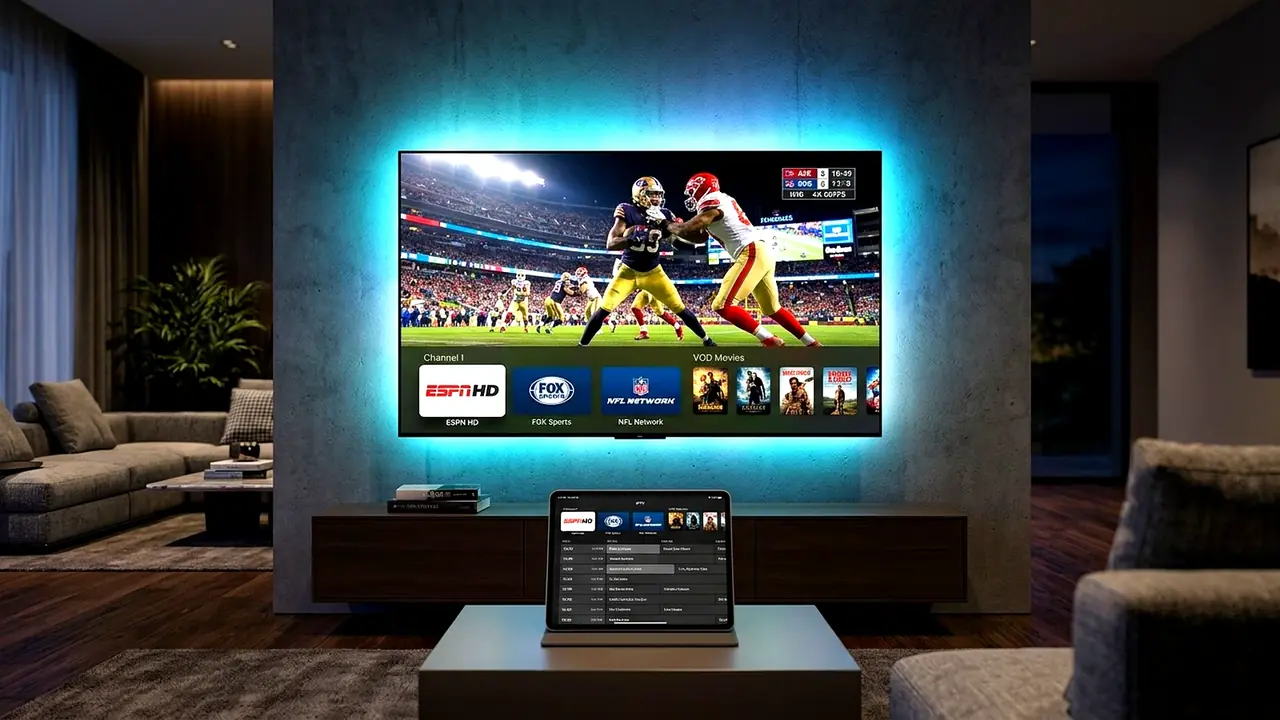
Detailed Review of the Top 3 Players
1. TiviMate Premium – Overall Best for Android & Fire TV
TiviMate remains the undisputed industry leader for anyone running an Android TV, Google TV, or Amazon FireStick. It features a polished dark-mode interface, sub-second zapping, and an advanced EPG schedule. Review our complete setup IPTV on TiviMate tutorial for step-by-step instructions.
2. IBO Player – The Best Native App for Samsung & LG TVs
Samsung and LG televisions do not allow sideloading of third-party Android APKs. As one of the best iptv apps for smart tv owners without an external streaming stick, IBO Player installs directly from the Samsung and LG app stores. Activation is performed effortlessly via your TV’s MAC address.
3. IPTV Smarters Pro – The Most Flexible Free App
IPTV Smarters Pro is popular worldwide because it operates on virtually every modern consumer device. With dedicated categories for Live TV, Movies, and TV Series, it delivers straightforward navigation suitable for the whole family.
How to Connect Your Smart TV App to TiviMate HD
Connecting any of the best iptv apps for smart tv to your TiviMate HD subscription takes under two minutes:
- Install your chosen player application from your TV’s app store or via Downloader.
- Open the app and select Login with Xtream Codes API or Add Playlist.
- Input your TiviMate HD credentials provided in your activation email (Server URL, Username, Password).
- Save and allow the app to synchronize your 25,000+ live channels and on-demand library.
Conclusion
Upgrading your television with the best iptv apps for smart tv unlocks an exceptional home entertainment experience. Pair your favorite player with TiviMate HD subscription plans today to enjoy instant 4K streaming, 25,000+ channels, and our 100% risk-free 7-day money-back guarantee.